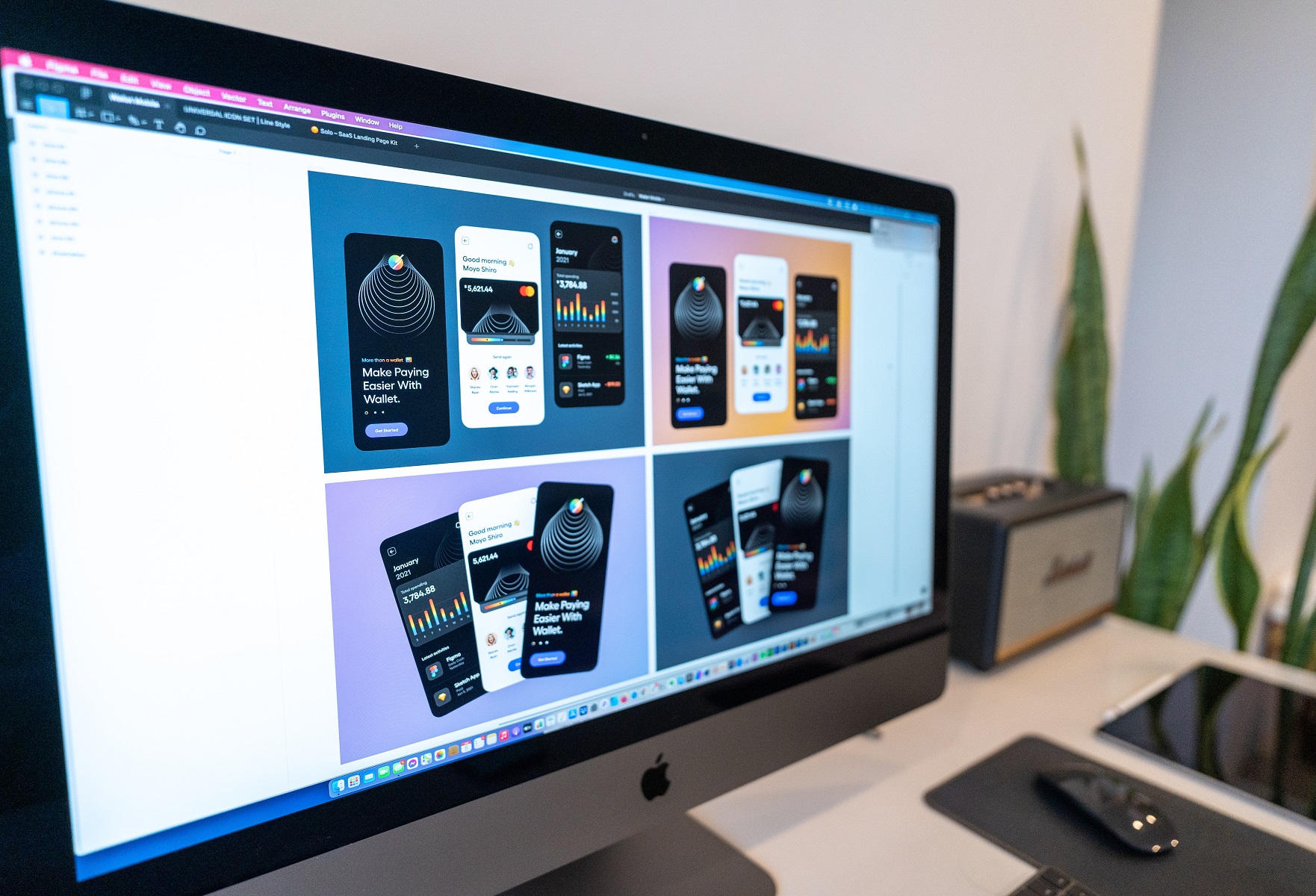
AI design tools for small businesses can turn a blank screen into a first draft of a flyer, product photo or social media post in minutes. For a shop owner who cannot afford a full-time designer, that is a real advantage. But AI also makes confident mistakes: misspelled words on a poster, a blurry image that cannot be printed, or a design that looks nothing like your brand.
This guide shows practical workflows for promotions, product visuals and social media, explains where AI helps and where it fails, and tells you when a professional designer and a good printer still matter. Tool features and free limits change often, so check each tool before you rely on it.
Table of Contents
Table of Contents
What AI design tools do well
Used carefully, AI design tools for small businesses save time on the early and repetitive parts of design:
- Ideas and wording. Headlines, product descriptions, slogans and caption drafts.
- Layout starting points. Template suggestions and quick variations of one design.
- Images and backgrounds. Generating a background or concept image, or removing and replacing a photo background.
- Resizing. Turning one design into square, story and flyer sizes.
- Editing. Quick clean-ups of product photos.
Popular tools include design platforms such as Canva, AI image tools and writing assistants. We cover the wider field in our guide to AI for graphic designers and AI-powered visual design platforms.
Where AI design tools for small businesses go wrong
| Problem | Why it matters | What to do |
|---|---|---|
| Garbled or misspelled text in images | A wrong word or phone number on a printed flyer is expensive | Type your own text in a design tool, do not trust AI-generated lettering |
| Low resolution | An image that looks fine on a phone may print blurry | Check the pixel size and test a small print before a big run |
| Off-brand look | Your logo, colours and fonts may not match | Add your own logo and brand colours after generating |
| Wrong facts or prices | AI can invent details | Check every claim, price and date yourself |
| Licence and ownership | You may not own or be able to protect AI-generated art | Read the tool’s terms for commercial use, and see the note below |
On copyright, the US Copyright Office has said that works made purely by AI without sufficient human authorship may not be protected (see its AI and copyright page). That is another reason to add your own text, logo and layout.
AI design tools for small businesses, workflow 1: a promotion flyer
- Decide the offer and the call to action (for example “Order cards this week and get free delivery in town”).
- Ask an AI writing tool for five headline options. Pick one and edit it in your own voice.
- Generate or choose a background image, or use a template in a design platform.
- Add your logo, colours, WhatsApp number and QR code yourself.
- Check every word and number, then export a high-quality PDF.
- Print a test copy before you print a hundred. See our business flyer design in Nigeria.
AI design tools for small businesses, workflow 2: better product visuals
Product photos sell. If your phone photos are dull, AI can help clean them up, but it should not change what the product looks like.
- Photograph the product in daylight against a plain background.
- Use an AI tool to remove or replace the background and brighten the image.
- Never let AI change the colour, shape or label of the real product, because customers will notice when the item arrives.
- Export at a large size so the image works for both social media and print.
Workflow 3: plan a week of social media posts
- Ask an AI assistant for a seven-day content plan for your type of business.
- Choose four posts you can really deliver: a product, a price, a customer question, a behind-the-scenes photo.
- Create one master design in your brand colours and make variations from it.
- Rewrite captions in the way you actually speak to customers, including local expressions if that is your style.
- Add your phone or WhatsApp number to every post.
When AI design tools for small businesses are not enough
AI design tools for small businesses are drafting tools. Hire a designer or use a design service when:
- You need a logo and brand identity that you can protect and reuse everywhere. See our brand identity checklist.
- The material will be printed in large quantity, on a banner, on packaging or on a label.
- The design must match exact dimensions, bleed and colour requirements. Read our guides on guide to print-ready files and print-ready PDF.
- You want consistent results across cards, receipts, bags and signs.
A good printer also checks details AI does not know: paper, finish, size and colour on real material. See printing cost in Nigeria for what affects the final price.
A safe checklist for AI design tools for small businesses
- Is every word spelled correctly, including names and numbers?
- Is the logo your real logo, not an AI imitation?
- Is the image sharp at the size you need?
- Are prices, dates and claims true today?
- Does the tool’s licence allow commercial use?
- Have you kept the original files and prompts in case you need to edit later?
Templates when you want a faster start
If you prefer a human-made starting point, template libraries such as Envato Elements offer flyers, social media kits and graphics that you can edit. Check the licence for your use, and replace all placeholder content. See our Envato Elements guide for print designers.
Disclosure: some links in this guide are affiliate links to Envato. If you buy through them, Lampmediatouch may earn a commission at no extra cost to you.
What are AI design tools for small businesses?
They are software tools that help you create text, images and layouts with AI, such as design platforms with AI features, image generators and writing assistants.
Can I use AI to design a logo?
You can use AI for ideas, but a logo needs to be unique, editable and usable everywhere. Ask a designer to turn the chosen idea into a proper vector logo.
Are AI-generated designs ready to print?
Not always. Check the resolution, colour mode and every word before printing, and test a sample first.
Do I own the designs I create with AI?
Ownership depends on the tool’s terms and the law in your country. Read the terms and add your own text, logo and layout for stronger protection.
Do I still need a graphic designer?
For a brand identity, large print runs and exact print specifications, yes. AI helps with drafts and speed.
Turn your AI draft into a print-ready design
Send us your draft and we will clean it up, fix the text and prepare it for printing.
See design servicesGet a quote