Screen colour and print colour look different because they are made in opposite ways. Screens create colour by mixing light (RGB), while printers create colour by mixing ink on paper (CMYK). Bright, glowing colours on a phone usually look duller in print. At Lampmediatouch, customers often ask us to print a design exactly as it appeared on their phone, so this guide explains what to expect and how to avoid disappointment.
In this guide
Quick answer
- Screens use RGB: red, green and blue light. More light makes a colour brighter.
- Printers use CMYK: cyan, magenta, yellow and black ink. More ink makes a colour darker.
- Some very bright screen colours cannot be matched with ink, so they print duller.
- Design for print in CMYK, and ask for a printed sample for important jobs.
RGB vs CMYK at a glance
| Screen (RGB) | Print (CMYK) | |
|---|---|---|
| How colour is made | Mixing coloured light | Mixing coloured ink |
| Primary colours | Red, green, blue | Cyan, magenta, yellow, black |
| Colour model | Additive: adding light makes it brighter | Subtractive: adding ink makes it darker |
| Used for | Phones, computers, TVs | Business cards, banners, stickers, flyers |
| Typical problem | Colours look glowing and vivid | Some bright colours look duller |
For more detail, see the RGB colour model and the CMYK colour model.
Why colours change in print
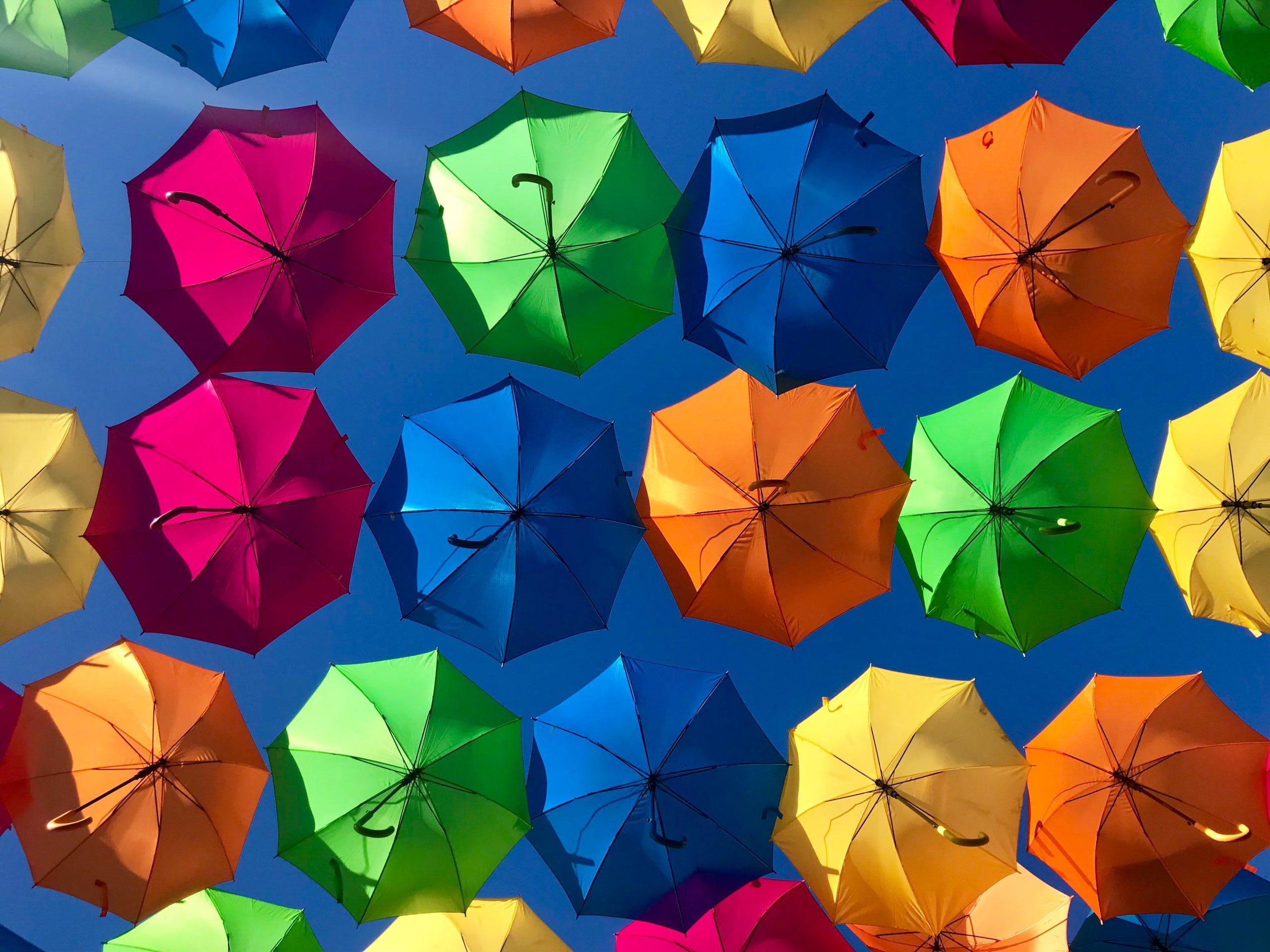
A screen starts dark and adds light, so a full-strength mix of red, green and blue gives bright white. Paper starts white and ink takes light away, so a full mix of cyan, magenta and yellow gets dark. Because the two systems work differently, the range of colours they can show, called the gamut, is not the same. Colours such as electric blue, neon green and bright orange look stronger on a screen than ink can reproduce.
Even the same CMYK file looks different on a screen and on paper, because on a screen it is still made of light. Paper type changes the result too: glossy paper keeps colours stronger, while uncoated paper makes them softer. See our guide to choosing the right printing paper.
How to get accurate colours
- Set your design to CMYK from the start if it will be printed. In most design software this is a document setting.
- Write down your colour values. Use RGB or hex codes for screens and CMYK values for print, and use the same ones every time.
- Avoid ultra-bright colours if exact matching matters, for example on a logo.
- Ask for a printed proof on important jobs, such as a logo on 500 cards, before you print the full order.
- Accept small differences. A printed colour will never match a glowing screen exactly, but a good CMYK file gets close.
If your design was made on a phone
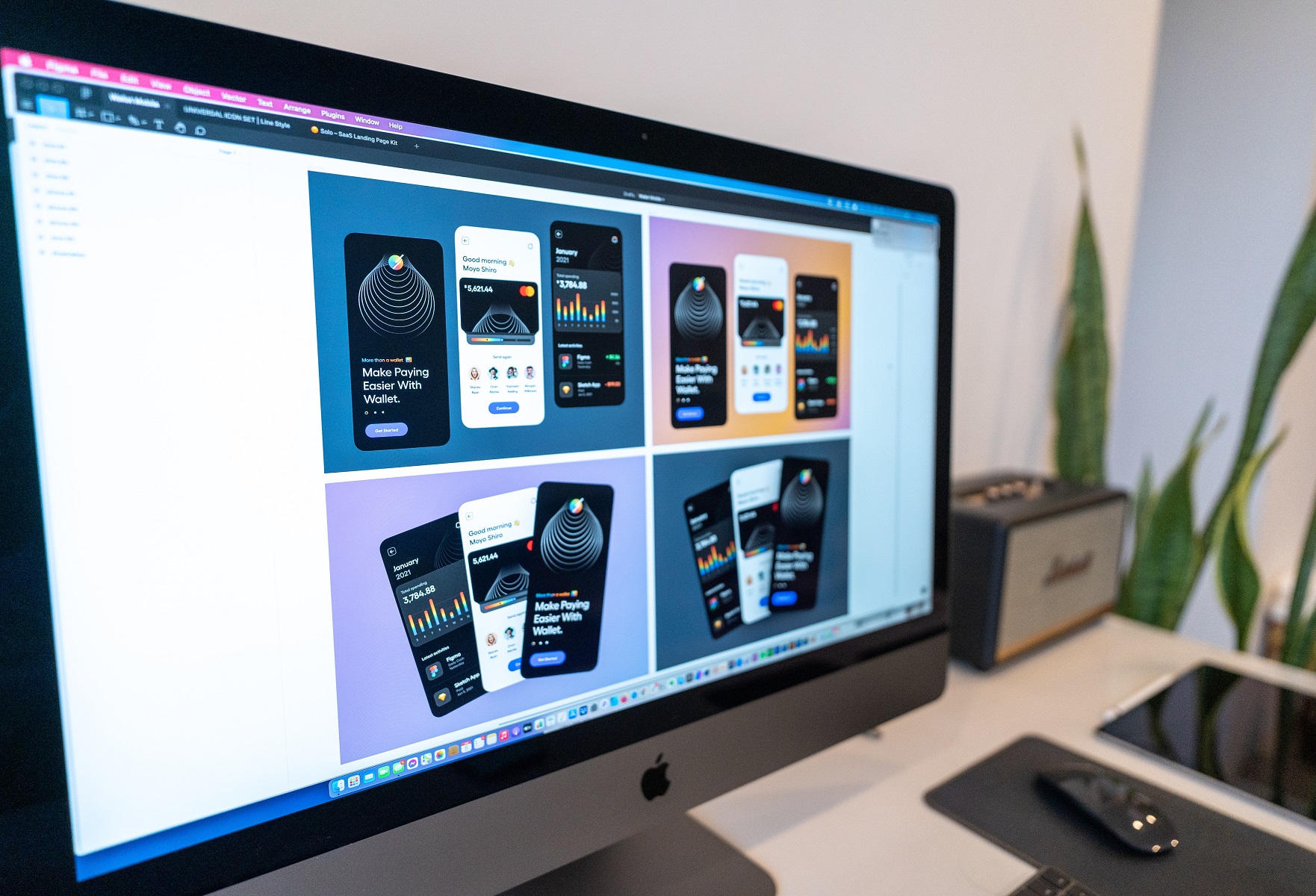
Most design apps on phones work in RGB. That is fine for social media, but when you want to print the design, ask the app for a print-quality PDF or the highest-quality export, and tell your printer the design came from a phone. If the colours matter, we can check the file and warn you about colours that may print duller. Ask us about design help if you would rather have it prepared properly.
Print-ready checklist
- CMYK colour mode
- Sharp images (300 DPI or higher) or a vector file
- Text spelled correctly and large enough to read
- Important content away from the edges
- A proof printed first if the job is large or colour-critical
If you design small items such as stickers, also read our guide to designing for small stickers. If you use AI tools, see our print checks for AI designs.
Frequently asked questions
Why do colours look different when printed?
Screens make colour from light (RGB) and printers make it from ink (CMYK). The two cannot show exactly the same range of colours, so some bright screen colours print duller.
Should I design in RGB or CMYK for print?
Use CMYK for anything that will be printed. Use RGB for anything that will only be seen on a screen.
Can you match the exact colour on my phone?
Not exactly, because a phone screen glows and paper reflects light. We can get close with a good CMYK file, and for important jobs we suggest a printed sample first.
What file should I send for printing?
A print-ready PDF or a high-quality image in CMYK is best. If you are not sure, send what you have and we will tell you what to change.
Need your design checked before printing?
Send us your file and we will tell you what to adjust so the colours print as well as possible.
Request a design checkBrowse the Print Shop