Logo placement on nylon bags decides whether your name is read or missed. A great logo in the wrong place, too small, too close to the edge or crowded by other text, will not do its job. This guide explains how to place your logo, name and phone number so the bag reads clearly at a glance.
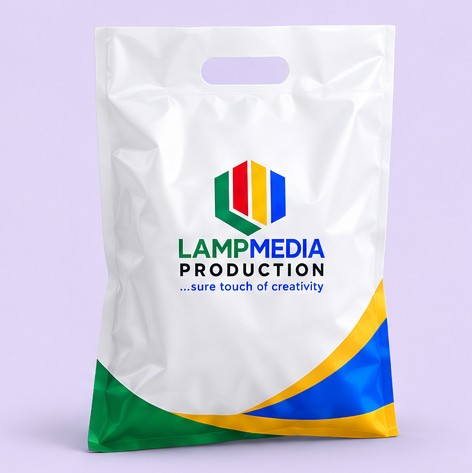
Table of Contents
Table of Contents
Basic rules for logo placement on nylon bags
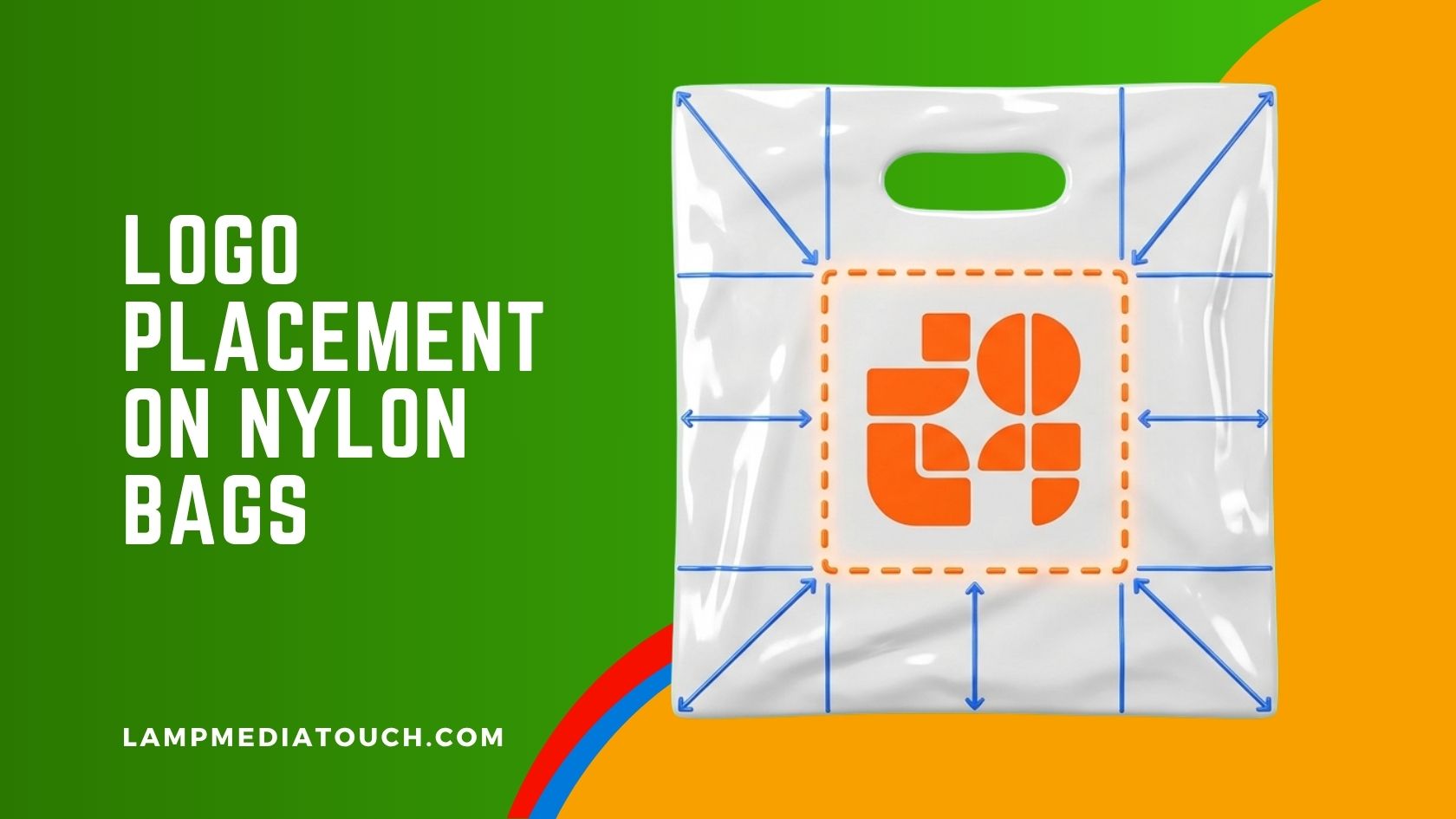
- Keep your main logo in the centre or upper middle of the front. That is where the eye lands first.
- Leave a clear margin around the edges. Text close to the edge can be cut off or lost. Keep it well inside.
- Stay clear of any handle cut-out or sealed edge. Do not place important words where the bag is cut or joined.
- Make the name the biggest element. The phone number is second. Everything else is third.
- Leave space around the design. Empty space makes a bag look confident.
Where to put the phone number
Place one phone number below the logo, in bold letters large enough to read at arm’s length. Do not stack several numbers. If you must show two, keep them on one line with equal size. See phone numbers on printed stickers.
How big should the logo be
| Bag | Size (inches) | Placement tip |
|---|---|---|
| Snack Bag (8 x 11 inch) | 8 x 11 | A compact logo and one short line; do not crowd |
| Short Stationery Nylon Bags | 8.75 x 13.25 | Logo in the upper middle, phone number below |
| Long Stationery Nylon Bags | 10 x 15 | Room for a bold name and a contact line |
| Fashion Nylon Bags | 14 x 18 | A larger logo, plenty of empty space |
| Polybag | 15 x 20 | The most space; keep the design simple |
Test any layout at real size before you approve it.
How to check logo placement on nylon bags before printing
- Print the design at actual bag size on paper.
- Hold it at arm’s length. Can you read the name and the number?
- Check the margins. Is anything close to the edge?
- Ask someone else to read it aloud without being told what it says.
- Fix and test again before you send the file.
For general guidance on printing a logo on a bag, see CustomInk’s bag printing guide. Send your logo as a clean vector file, as explained in vector artwork for nylon bags.
Common mistakes in logo placement
- Logo too small. A tiny logo on a big bag looks lost.
- Logo too close to the edge. Part of it can be cut or look cramped.
- Too many elements. A name, a slogan, four icons and three numbers cannot all be read.
- Phone number too small. The number is the part customers use, so make it bold.
- Centre of the bag left empty. If the main logo is pushed to a corner, the bag looks unbalanced.
Good logo placement on nylon bags is mostly restraint: one clear logo, one clear number and plenty of space.
What is the best logo placement on nylon bags?
Usually in the centre or upper middle of the front, with a clear margin from the edges.
How close to the edge can the text be?
Keep important text well inside the edges. Ask us what margin is safe for your bag size.
Where should the phone number go?
Below the logo, in bold letters that can be read at arm’s length.
Can I check my design before printing?
Yes. Print it at actual size on paper and look at it at arm’s length.
Order and send your logo
Choose your size, quantity and number of printing colours on the product page, with or without design. Not sure which size? Ask us before you order.
See all nylon bagsRequest a quote